
Google Search Console
See the real searches that show your website, which pages appear, and how many people see and click them. We can only read this data, never change it.
Connect your Google visibility data
DentalPresence brings your verified Google search, profile, maps, and review data into one dental practice workspace.
See the real searches that show your website, which pages appear, and how many people see and click them. We can only read this data, never change it.
Connect practice locations and organize profile activity and local presence data in one workspace.
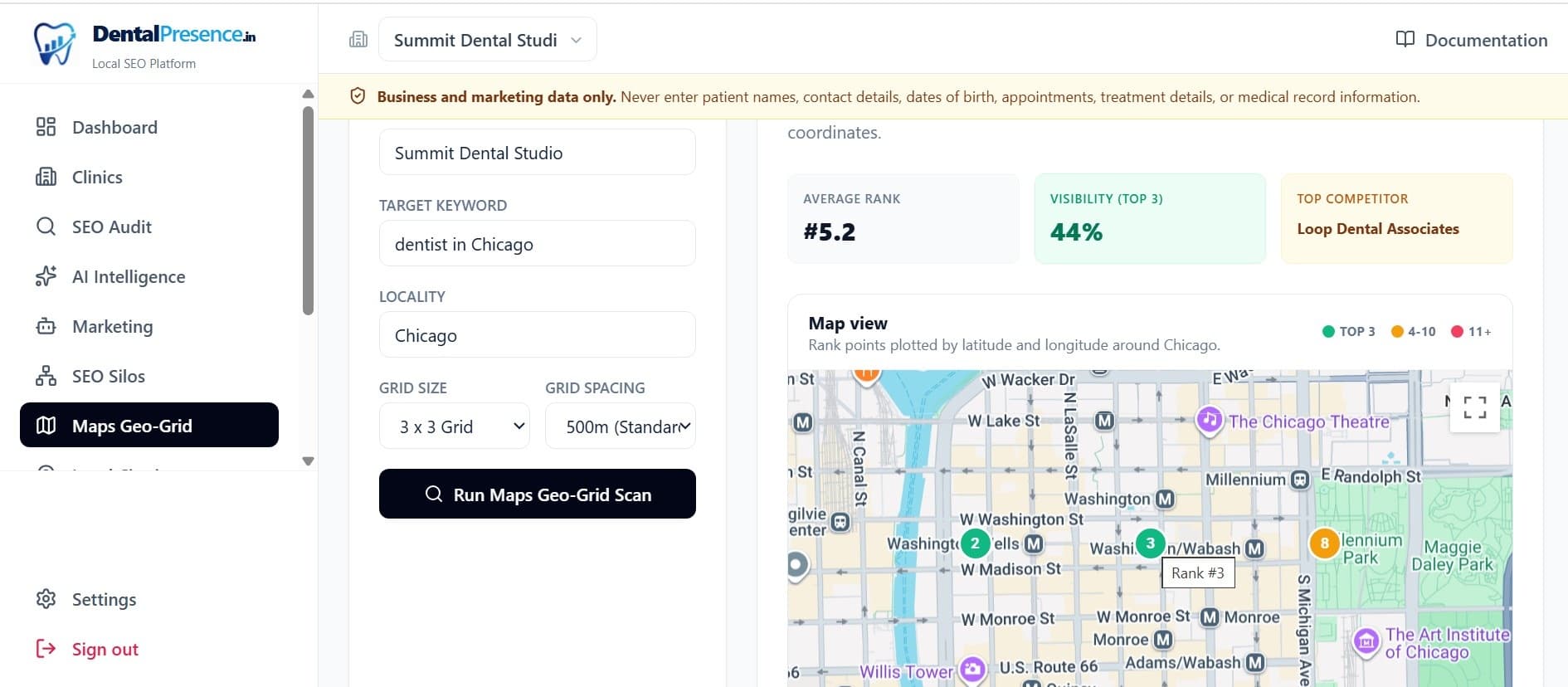
Run Visibility Map checks at many spots around your practice to see how your map visibility changes street by street.
See which searches are gaining or losing ground for your website, ranked by how many patients see and click them.
Follow privacy-safe public reply rules without importing individual reviewer names, comments, or replies.
Create and manage practice updates or promotional offers for connected Business Profiles.
Example: local visibility measurement
Connections use Google's own secure sign-in, and access credentials are stored encrypted. We can only read your search data, never change it; publishing actions stay under your control; and Settings lets you disconnect at any time, stop scheduled activity, ask Google to fully cancel the connection, and choose whether downloaded Google data is deleted.